The app that loads fast even on a 3G connection
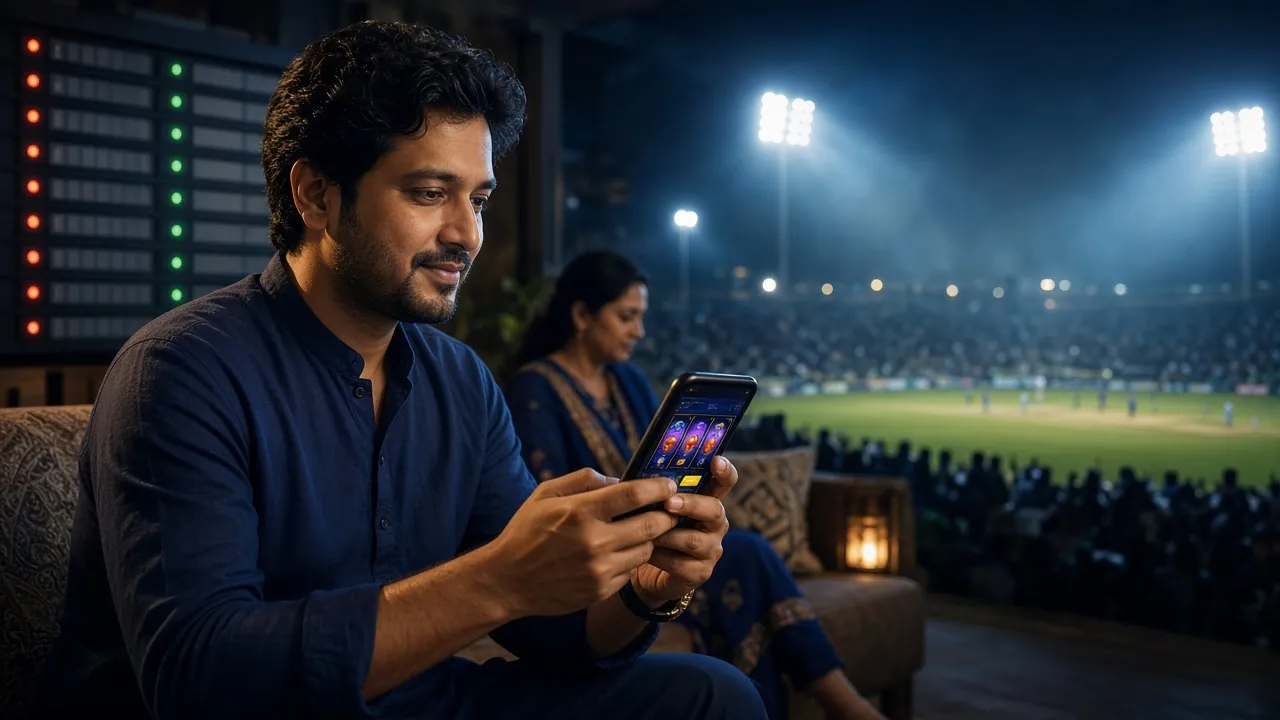
Built for Bangladesh players. Place cricket bets, spin slots and withdraw to bKash directly from your phone. The APK file is free to download and takes under a minute to install on Android 7.0 and above.
File: jayabaji.apk · 52 MB · Last updated 16 Nov 2026 · 18+ only · Play Responsibly
App Details & Download
jayabaji APK — File Information
| File Name | jayabaji.apk |
|---|---|
| Version | 2.0.0 |
| File Size | 52 MB |
| Minimum Android | Android 7.0 (Nougat) |
| Last Updated | 16 November 2026 |
| Price | Free |
| Languages | English / Bangla |
| Platform | Android only (iOS via browser) |
iPhone / iPad Users
There is no App Store version. iPhone users can add jayabaji to their home screen through Safari for a full-screen experience.
- 1 Open https://jayabaji.mobi in Safari (not Chrome or Firefox — only Safari supports Add to Home Screen on iOS).
- 2 Tap the Share icon at the bottom of the screen (the box with an arrow pointing up).
- 3 Scroll down in the share sheet and tap "Add to Home Screen".
- 4 Confirm the name (jayabaji) and tap Add. The icon appears on your home screen like a normal app.
- 5 Tap the icon to open the site in full-screen mode. Log in or register to start playing.


Everything in one place on your phone
- Play over 1,400 games — slots, live casino tables, crash games and bingo — without switching between browser tabs.
- Deposit with bKash, Nagad or Rocket and have funds in your account within 5 minutes.
- Bet on cricket, football and other sports with live odds updated in real time.
- Push notifications keep you updated on match results, bonus reloads and withdrawal confirmations.
How to Install the jayabaji APK on Android
Android blocks APK files from outside the Play Store by default. This is a one-time setting — once you allow it, all future updates install in seconds. You need Android 7.0 or higher.
-
1
Allow installation from unknown sources
Go to Settings → Security (or Settings → Apps → Special App Access → Install Unknown Apps on Android 8+). Find your browser (Chrome or Firefox) and toggle "Allow from this source" to on. This tells Android it is safe to install APK files you download yourself. You only need to do this once.
-
2
Download the APK file
Tap the Download APK button on this page. Your browser will save
jayabaji.apk(52 MB) to your phone's Downloads folder. If your connection is slow, leave the screen on and wait — the download resumes automatically if it pauses. -
3
Open the downloaded file
Pull down your notification bar and tap the completed download notification. Alternatively, open your File Manager → Downloads and tap
jayabaji.apk. Android will show a prompt asking whether to install the app. -
4
Tap "Install" and wait
Android checks the file and installs it. This takes about 10–15 seconds. You will see "App installed" when it finishes. Do not close the screen during this step or the installation will restart.
-
5
Log in or register to start playing
Tap Open to launch the jayabaji app immediately, or find the jayabaji icon on your home screen. If you already have an account, log in here. New players can register in under two minutes and claim the welcome bonus before placing their first bet.
What Can You Do Inside the jayabaji App?
The app gives you the same full experience as the desktop site, optimised for touch screens and slower mobile data. Here are the key things you can do directly from the app.
Quick Login with Fingerprint
Use your phone's fingerprint sensor or face unlock to sign in without typing your password every time. Set it up once in Account Settings and log in in under two seconds.
Deposit and Withdraw on the Go
Send money from bKash, Nagad or Rocket directly inside the app. Deposits clear in around 5 minutes; withdrawals typically process within 11 minutes. Minimum deposit is ৳350.
Live Casino with Real Dealers
Join live tables from Evolution and Ezugi — roulette, baccarat, Teen Patti and more. The app streams HD video without buffer breaks even at 4G speeds. Chat with the dealer in real time.
Cricket and Sports Betting
Bet on BPL, IPL, T20 and ODI matches with live odds that update ball by ball. The sports betting section loads in a single tap from the app's bottom navigation bar.
Push Notifications
Get notified the moment your withdrawal is confirmed, when a reload bonus goes live or when a big cricket match is about to start. Notifications can be turned off in your phone settings at any time.
24/7 Live Chat Support
Tap the support icon anywhere inside the app to open a live chat with a support agent. Response times are under 3 minutes during peak Bangladesh hours. No email needed.
APK Won't Install? Fix These Common Errors
Most installation problems have a simple fix. Tap each issue below to see the cause and the exact steps to resolve it.
Android blocked the installation with a security warning
jayabaji.apk again.
"There was a problem parsing the package"
Not enough storage space on the device
Download is very slow or keeps stopping
App crashes immediately after opening
Still stuck? Open 24/7 Live Chat inside the app or on the website. Support agents can walk you through the fix in real time.
5 Ways to Keep Your Account Secure
Your account holds real money. These five habits take less than a minute each and significantly reduce the chance of unauthorised access.
-
Use a strong, unique password
Your password should be at least 10 characters and contain a mix of letters, numbers and symbols. Do not reuse passwords from other sites. If you think your password was exposed, change it immediately under Account → Security Settings.
-
Do not log in on shared or public devices
Avoid using internet cafes, shared family tablets or borrowed phones to access your account. These devices may have keyloggers or save browser passwords that others can read. Stick to your personal phone with the APK installed.
-
Download the APK only from this page
Fake APK files circulate on Telegram and third-party sites. They can steal your login credentials or install malware. The only official download link is /download/jayabaji.apk on this page. Never download from links sent by strangers.
-
Log out when you are done
If someone else picks up your phone, a session that is still open gives them access to your funds. Tap your profile icon and choose Log Out after each session. The app reopens in seconds with fingerprint login next time.
-
Link your mobile number for account recovery
A verified phone number means you can reset your password by SMS if you ever get locked out. Go to Account → Personal Info to add or confirm your number. This also ensures withdrawal notifications reach you in real time.
Common Questions About the jayabaji App
Is the jayabaji APK safe to install?
Yes. The APK file hosted on this page is the official jayabaji release. It is scanned before each upload and contains no malware or hidden scripts. Android shows a security warning for all APK files from outside the Play Store — this is a standard system message, not a sign of a problem. Only download from this page and you are safe. If you are unsure, you can scan the file yourself with any reputable mobile antivirus app before tapping Install.
How do I update the app to a newer version?
The jayabaji app does not auto-update like Play Store apps. When a new version is released, a notification will appear inside the app with a direct download link. You can also visit this page and download the latest APK at any time. Install the new APK over the existing one — your account data, balance and settings are all stored on the server and will not be affected by the update.
Can iPhone users get the jayabaji app?
There is no dedicated iOS app on the App Store. iPhone and iPad users should open jayabaji.mobi in Safari, then use Share → Add to Home Screen. This creates a shortcut icon that launches the site in full-screen mode, very close to a native app experience. All features — deposits, live casino, sports betting and withdrawals — work the same way through the Safari shortcut.
Does the app cost anything to download or use?
The app is completely free to download and install. There is no subscription fee or in-app purchase to unlock features. Standard mobile data charges from your carrier apply when you are not on Wi-Fi. All costs related to playing are your deposits and bets — the app itself adds no extra charges. The minimum deposit to start playing is ৳350.
I followed all the steps but installation still fails. What else can I try?
Try these in order: restart your phone and attempt the install again; delete the downloaded file and re-download on Wi-Fi to rule out a corrupted file; check that your Android version is 7.0 or above under Settings → About Phone; and confirm that the "Install Unknown Apps" toggle is on for the specific browser you used. If none of these work, contact 24/7 Live Chat from the website and share your Android version — support can guide you through device-specific steps.
Which games are available inside the jayabaji app?
The app gives access to the full game library of over 1,400 titles, including slots from PG Soft and FA Chai, live tables from Evolution and Ezugi, crash games, bingo and card games like Teen Patti 20-20. Popular titles include Hi-Lo, Prosperity Fortune Tree, Diamond Tycoon and Lucky Bingo. You can also visit the casino page to browse games before downloading the app.
Ready to play? Download the APK and get started today
New players who register through the app can claim the welcome bonus. Deposit with bKash or Nagad and start playing within minutes. Don't have an account yet? Register here.
18+ · Play Responsibly · Bangladesh players only